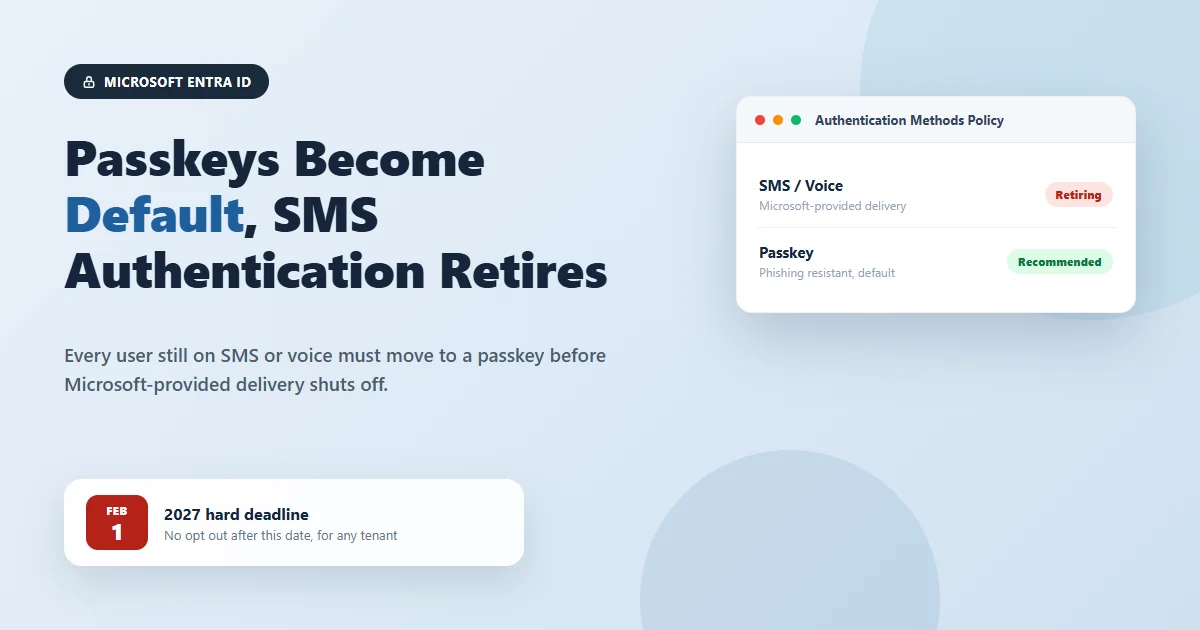
If you manage a Microsoft Entra ID tenant, you may have just received an email from Microsoft with the subject line "Passkeys by default and retirement of Microsoft-provided SMS and voice authentication." It is a longer notice than most, and it covers a genuinely important change to how your organization signs people in. Here is what it actually means, who needs to do something about it, when it needs to happen, what it costs, how urgent it really is, and exactly how to find out whether your tenant is affected at all.
What is actually changing
Two separate but related things are happening to authentication in Microsoft Entra ID. First, passkeys are becoming the default authentication experience for anyone currently set up to use SMS text messages or voice calls for multi factor authentication. Second, Microsoft is retiring its own built in delivery of SMS and voice codes entirely. Once that retirement takes effect, SMS and voice will only keep working for organizations that have specifically set up a paid, customer managed telecom provider through the Microsoft Security Store. Everyone else's SMS and voice authentication simply stops being available.
A passkey, if you have not used one yet, is a sign in credential built on public key cryptography rather than a code or password that gets typed in and can be intercepted. Microsoft Entra ID supports both synced passkeys, which live in something like iCloud Keychain or Google Password Manager and follow you across your devices, and device bound passkeys, which are tied to a single device such as a FIDO2 security key, a Windows PC using Windows Hello, or the passkey feature built into the Microsoft Authenticator app. Either type is considered phishing resistant, which is the whole point of this change.
Why Microsoft is doing this
Microsoft's own reasoning, laid out in its security blog and in the Entra documentation, is straightforward: SMS and voice are among the weakest authentication methods still in common use. A text message code can be intercepted through a SIM swap, where an attacker convinces a mobile carrier to move your phone number onto a device they control. A voice call or text code can be phished through a fake login page that simply asks you to read the code back. Codes delivered this way can also be captured and reused in what is called a replay attack. None of those attacks work against a passkey, because a passkey never transmits a secret that can be stolen or reused in the first place. Given how often attackers specifically target multi factor authentication as their way in, closing off the weakest method available is a reasonable thing for Microsoft to prioritize, even though it means a genuine change for every tenant still relying on it.
The key dates you need to know
- September 1, 2026. Any user currently enabled for SMS or voice gets automatically enabled for passkeys, and their Registration Campaign setting switches to Microsoft managed, meaning Microsoft starts nudging them to register a passkey the next time they complete MFA. If you would rather control this rollout yourself, you need to move those users off SMS or voice in your Authentication Methods Policy before this date.
- September 18, 2026. Microsoft publishes pricing and provider options for customer managed telecom providers in the Microsoft Security Store, for organizations that have a real need to keep SMS or voice working.
- October 30, 2026. Configuration of those customer managed telecom providers becomes available, if your organization decides it needs one.
- February 1, 2027. Microsoft-provided SMS and voice delivery is fully retired. From this date, SMS and voice only continue working for tenants that have configured a paid third party provider. There is no opt out from this date; it applies to every tenant.
- After February 1, 2027. Anyone whose only available MFA method is still SMS or voice, and who has not been moved to a passkey or a configured third party provider, receives a blocking prompt requiring passkey registration before they can continue signing in.
What you should actually do before September 1
Microsoft's own guidance breaks the recommended response into four steps, and they hold up well as a practical checklist.
- Find your affected users. Before deciding anything else, find out whether this even applies to your organization. The Authentication methods Usage and Insights report in the Entra admin center, or Microsoft's own Entra SMS and Voice Usage Analyzer script, will tell you exactly who in your tenant is still enabled for SMS or voice. If that list comes back empty, you are done, and the rest of this notice does not apply to you.
- Move users to passkeys on your own schedule. If you do have affected users, enable passkeys for them and run a registration push before September 1, 2026, rather than letting Microsoft's automatic enablement and default nudge schedule make that decision for you.
- Tell your people what is changing. A user who understands why they are being asked to set up a passkey, and has a few minutes of guidance on how to do it, is far less likely to get stuck or frustrated than someone who sees an unexplained prompt appear one morning.
- Only look at a telecom provider if you genuinely need one. If a regulatory requirement or a specific group of users means SMS or voice has to keep working past February 1, 2027, evaluate a customer managed provider through the Microsoft Security Store once pricing is published on September 18, 2026. For most organizations, this step is not necessary at all.
How this fits into a broader identity security strategy
This change is a good example of why identity deserves its own ongoing attention rather than a one time setup and forget approach. Microsoft adjusts its authentication defaults regularly, and the organizations that handle these changes smoothly are the ones that already have a clear picture of what authentication methods their users rely on, not the ones scrambling to find out after an email like this one arrives. Our Zero Trust Network work is built around exactly that kind of continuous visibility into identity and access, and our Microsoft 365 Cybersecurity Framework service keeps your Microsoft 365 and Entra ID security configuration, including authentication methods, aligned with current best practice rather than whatever was set up when your tenant was first configured.
Frequently asked questions
Who is this affecting: only administrators, or end users too?
Both, but in different ways. Administrators are the ones who need to take action. They have to find which users are still enabled for SMS or voice, decide how those users move to passkeys, and communicate the change before it happens automatically. End users are affected passively at first: if they are currently enabled for SMS or voice, Microsoft will automatically enable passkeys for them on September 1, 2026, and they will start seeing a prompt to register a passkey the next time they complete multi factor authentication. By default, users can snooze that prompt as many times as they want, so nothing forces them to act immediately. That changes after February 1, 2027, when anyone whose only working MFA method is SMS or voice gets a blocking prompt they cannot skip. At that point the end user has to register a passkey right there before they can keep working.
Who should make the changes, and when does it need to happen?
This is IT administrator work, specifically whoever manages your Authentication Methods Policy in the Microsoft Entra admin center. There are two dates that matter. The first is September 1, 2026, which is the date Microsoft starts auto enabling passkeys and nudging your SMS and voice users on your behalf. If you would rather manage that rollout yourself, on your own schedule, with your own communication plan, you need to act before that date. The second is February 1, 2027, which is a hard deadline. Every user who still relies on SMS or voice as their only MFA method needs to be moved off it before then, or they will be blocked at sign in until they register a passkey.
What happens if no action is taken?
Nobody gets locked out of their account, which is worth saying plainly since that is the fear this kind of notice usually creates. What happens instead is that Microsoft takes the decision out of your hands. On September 1, 2026, every user still enabled for SMS or voice gets automatically enabled for passkeys and starts seeing registration nudges you did not design or time. After February 1, 2027, if a user still only has SMS or voice available and you have not configured a paid third party telecom provider, that user hits a mandatory passkey registration prompt the next time they try to sign in. They can still get into their account once they register a passkey, so it is a speed bump rather than a lockout, but it happens at a moment you did not choose, probably in the middle of someone trying to get their work done.
What is the cost to make these changes?
Moving your users from SMS or voice to passkeys costs nothing extra. Passkeys are a built in Microsoft Entra ID capability, not an add on license or a paid feature, so there is no new subscription fee tied to this migration. The only place a real cost shows up is if your organization has a genuine reason to keep SMS or voice authentication working past February 1, 2027, such as a regulatory requirement or a group of users who cannot realistically use passkeys yet. In that case you would contract with a customer managed telecom provider through the Microsoft Security Store, and that is a paid service billed per message, with pricing that varies by provider, region, and volume. Microsoft has said pricing and provider details will be published starting September 18, 2026, with configuration available from October 30, 2026. For most organizations, the free path (passkeys) is also the recommended path, so budget for staff time to run the migration rather than for a new bill.
How critical is this change?
Security wise, this is a genuinely good change and worth taking seriously rather than filing away. SMS and voice codes can be intercepted through SIM swap attacks, phished with a convincing fake login page, or replayed, none of which work against a passkey because passkeys use public key cryptography instead of a shared secret that can be stolen or guessed. Timeline wise, the practical urgency depends on where your tenant stands today. If nobody in your organization is enabled for SMS or voice, this notice genuinely does not apply to you and you can move on. If you do have users on SMS or voice, the September 1, 2026 auto enablement date is close, and depending on when you are reading this, you may only have a few weeks to decide whether you want to run this migration on your own terms or let Microsoft run it for you by default.
How can I check my whole organization to see how many users are still using the old authentication methods?
Microsoft Entra ID gives you two built in ways to see this without any extra tooling, plus one official script for a more detailed breakdown. The quickest check is the Authentication methods Usage and Insights report: in the Microsoft Entra admin center, go to Authentication methods, then Activity, then Registration, and you will see how many users are registered for each method, including SMS and voice. This requires a Microsoft Entra ID P1 or P2 license and at least Authentication Policy Administrator access. For a per user list rather than a summary count, go to Authentication methods, then Monitoring, then User registration details, and filter the registered methods column for phone based methods so you can see exactly who they are. If you want a definitive, exportable answer, Microsoft has also published an official PowerShell script called the Entra SMS and Voice Usage Analyzer on its GitHub, built specifically to identify which users in a tenant are enabled for and actively using SMS or voice. Any non zero result from that script means your tenant is in scope for this change.
If you received this email from Microsoft and want help figuring out whether it applies to your organization, get in touch and we will check your Entra ID authentication methods with you and put a plan together before September 1.
 Author: Helio Pereira